


All♥Sorts
Smoked Plum Seamless Academia Textures & Overlays, 12 JPG Digital Papers
Smoked Plum Seamless Academia Textures & Overlays, 12 JPG Digital Papers
Couldn't load pickup availability
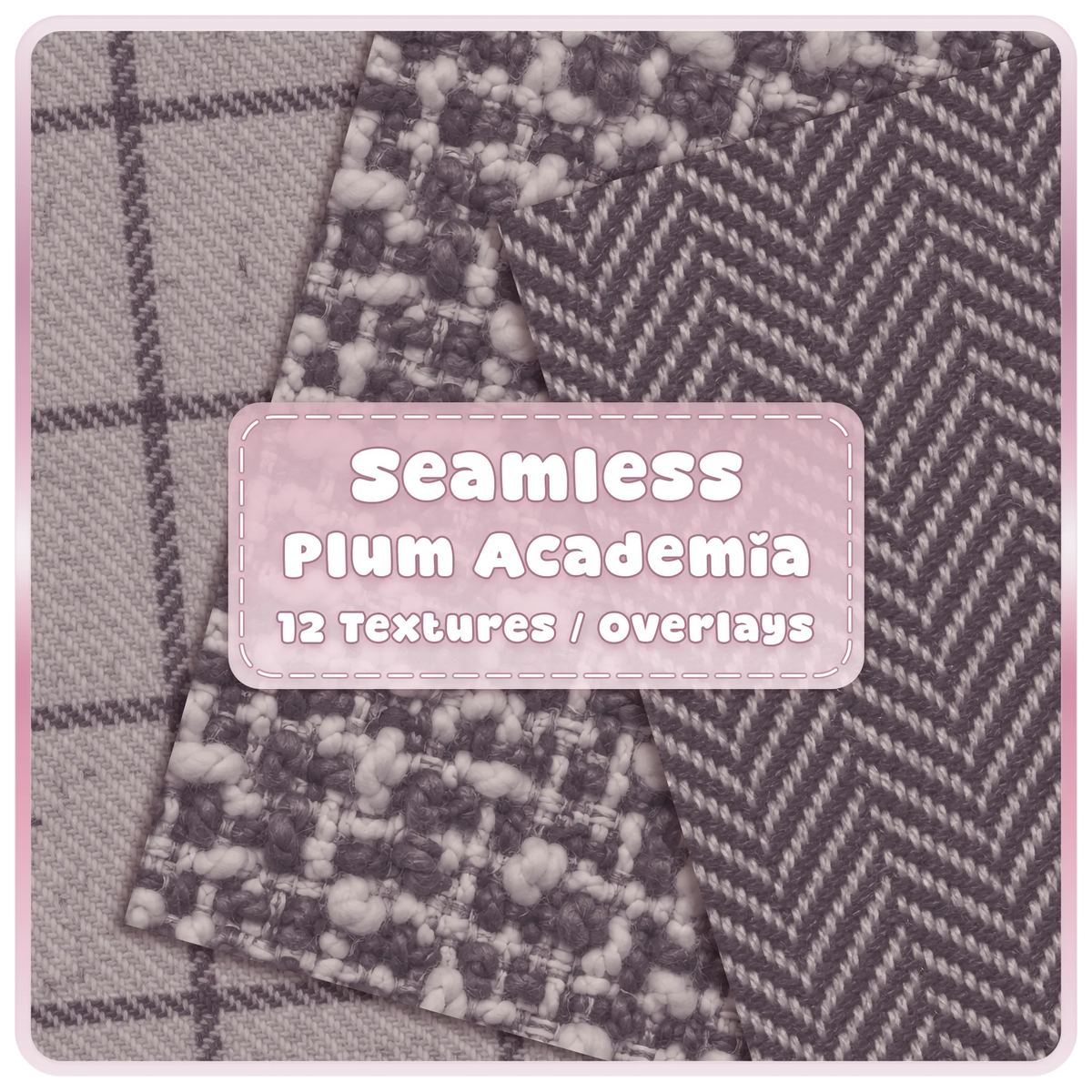

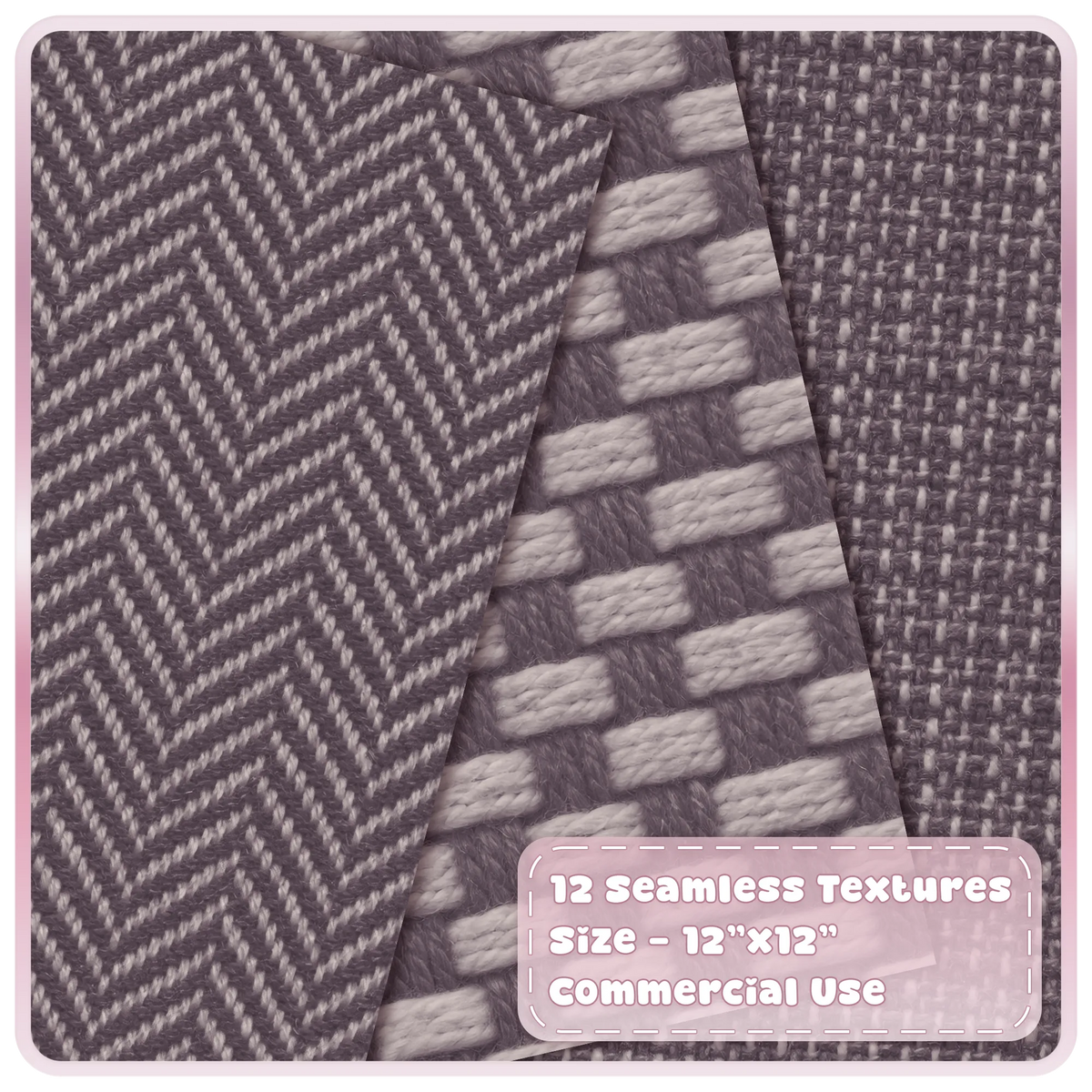

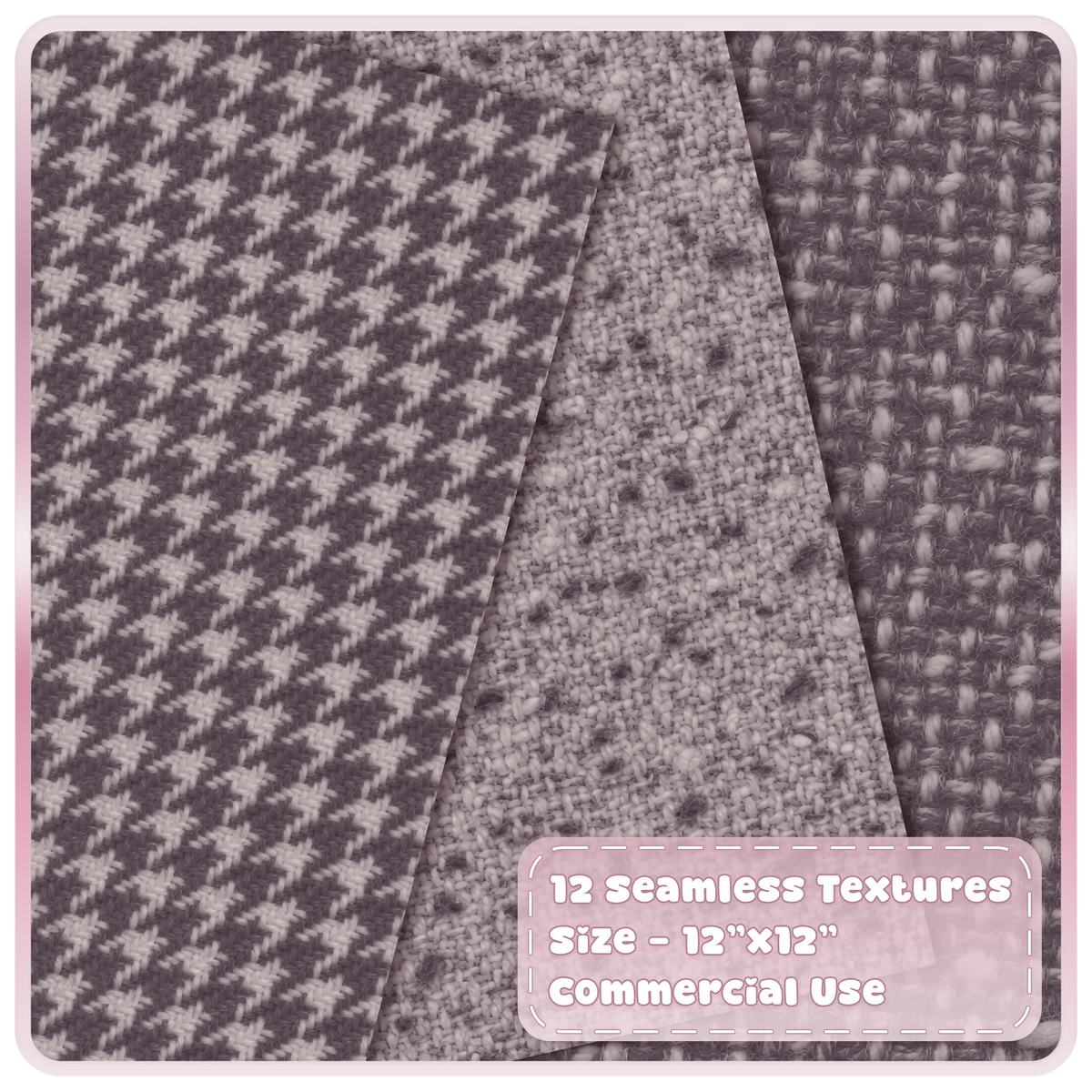
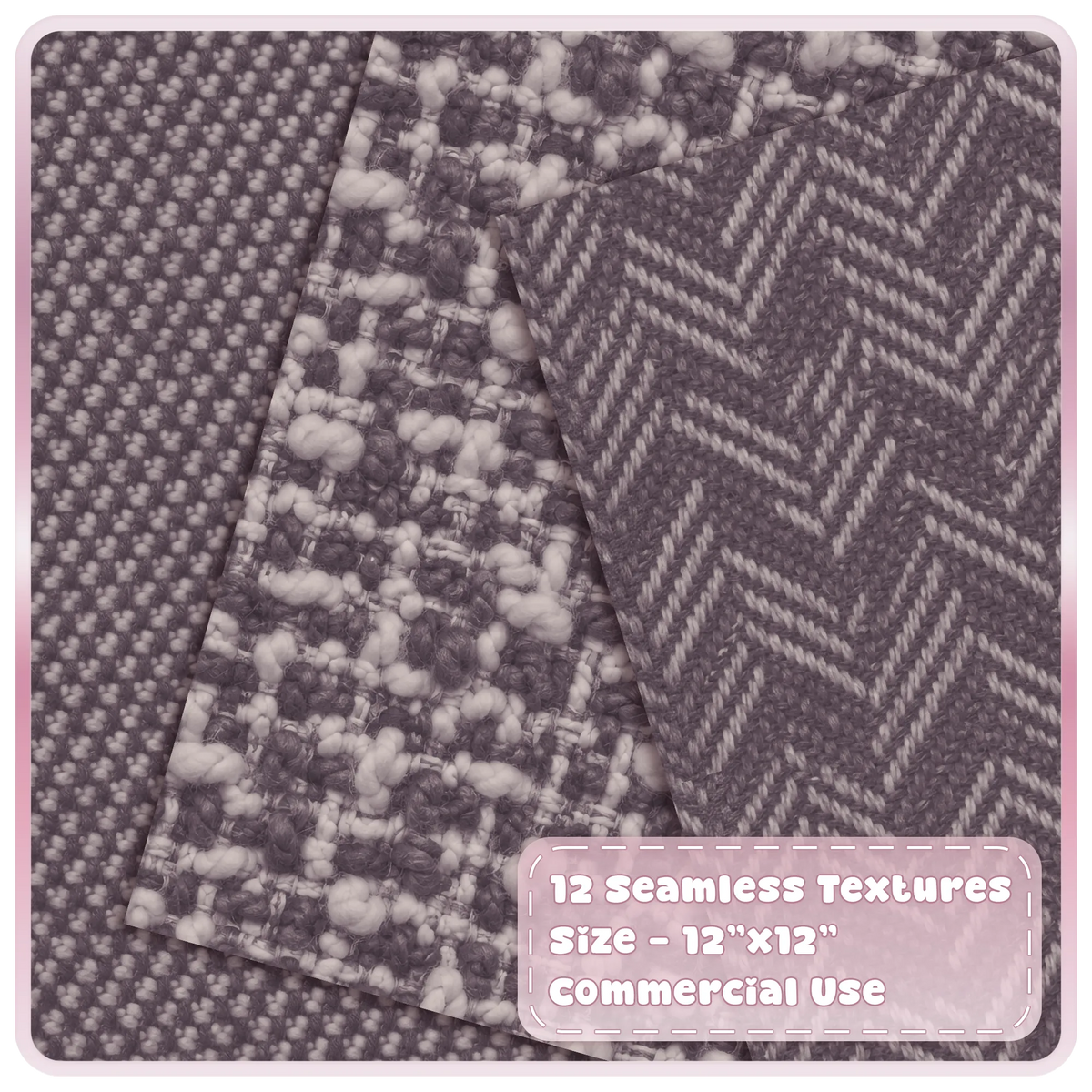

Featuring realistic woven fabrics, cosy tweed, classic herringbone, houndstooth and textured patterns in sophisticated smoky plum tones, these seamless digital papers are perfect for dark academia designs, vintage inspired scrapbooking, junk journals and elegant digital backgrounds.
Designed as seamless 12" x 12" digital papers, these academia backgrounds can be tiled continuously for larger projects without visible joins.
What's Included
♥ 12 seamless texture designs
♥ JPG format
♥ 12 x 12 inches (3600 x 3600 px)
♥ Seamless / tileable for continuous repeats
♥ Commercial use included
Perfect For
♥ Digital scrapbooking and printable scrapbook papers
♥ Junk journals, vintage journals and stationery
♥ Dark academia and vintage inspired designs
♥ Digital art, graphic design and Photoshop overlays
♥ Invitations, greeting cards and paper crafts
♥ Sublimation designs and printable craft projects
♥ Website backgrounds and social media graphics
♥ Seamless patterns for creative digital projects
Please Note
♥ This is a digital download. No physical item will be shipped.
♥ Colors may vary slightly depending on monitor and printer settings.
♥ Files are intended for use as design assets and may not be resold, shared, or redistributed as standalone digital files.
♥ Due to the nature of digital products, refunds or exchanges are not available once files have been downloaded.
How to Download...


Seamless Patterns FAQ
Are the patterns truly seamless?
Yes. Seamless patterns are designed so the edges repeat continuously, allowing the design to tile without obvious breaks.
How do I use a seamless pattern?
Repeat or tile the design in compatible graphics, craft or printing software to create larger backgrounds and repeating surfaces.
What can I use the patterns for?
They are suitable for digital backgrounds, scrapbooking, journaling, stationery, sublimation, packaging, mockups and many other creative projects.
Can I resize the pattern?
Yes. You can adjust the scale of the repeat to create a larger or smaller pattern appearance, although raster file quality should always be considered when enlarging.
Can I change the colours?
This depends on the file format and software you are using. Vector versions are generally easier to recolour than flattened raster files.
Why might the printed colours look different?
Screens display colour using light, while printers use inks. Small colour differences can therefore occur depending on your monitor, printer, paper and print settings.
